Complete ID Verification on Viper Play: What Beginners Need to Know
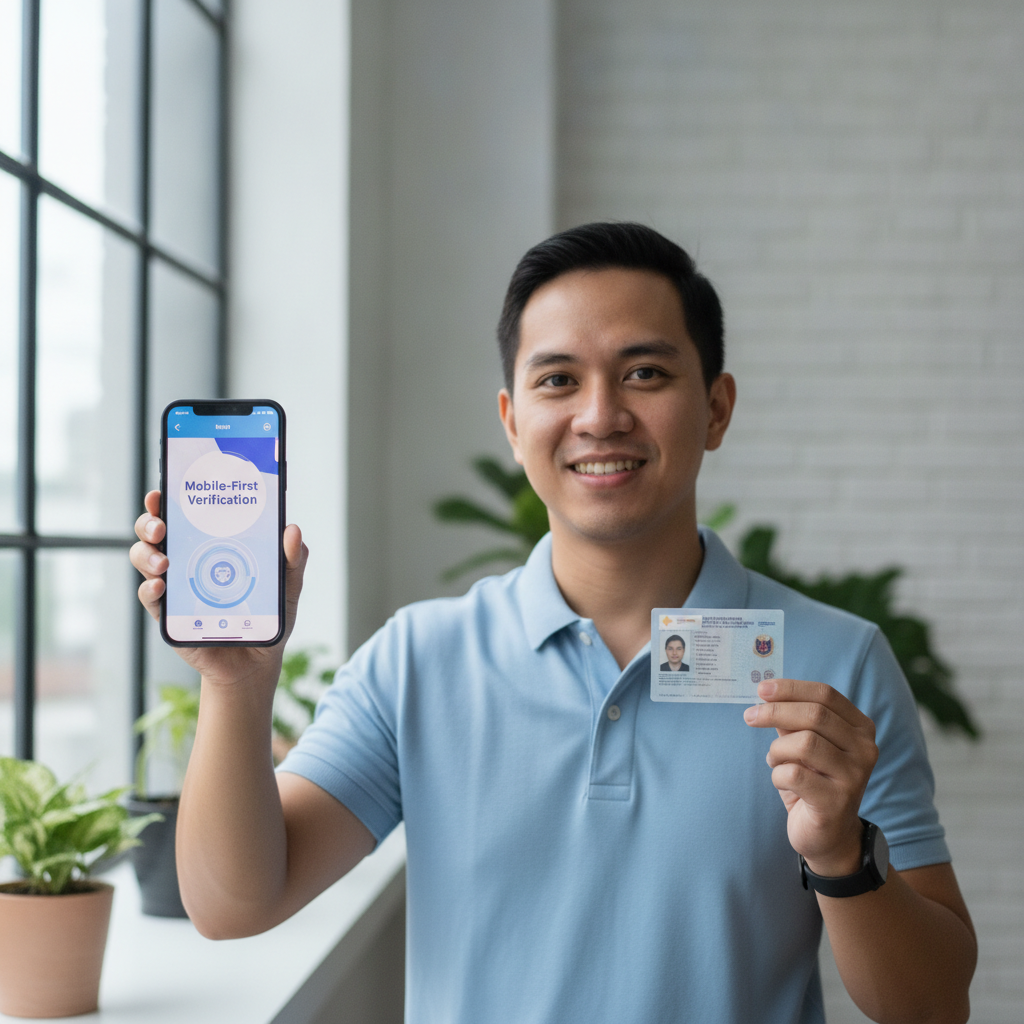
When you Viper Play register for the first time, the platform will ask you to verify your identity before you can withdraw winnings or, in some cases, place larger bets. This short guide explains why ID verification matters, which Philippine documents are accepted, how to upload photos from your phone, and what to expect after you submit.
This is an independent guide. Viper Play is a separate operator. All information is current as of publication but may change—always check the platform's official help pages for the latest requirements.
Why Viper Play Requires ID Verification
Viper Play requires every player to verify their identity to confirm they are 21 years old or older. Online gambling in the Philippines is restricted to adults, and the platform uses ID checks to enforce this age limit.
Verification also helps prevent fraud, money laundering, and account sharing. By matching your registered name to a government-issued ID, Viper Play can protect both the player and the platform from misuse.
You typically need to complete verification before making your first withdrawal. Some players are asked to verify earlier—during Viper Play register or after their first deposit—depending on account activity or deposit size.
Remember: You must be at least 21 years old to create an account, deposit, or play on Viper Play. Underage gambling is illegal and will result in account closure and forfeiture of funds.
Accepted Philippine IDs
Viper Play accepts a range of government-issued identification documents from the Philippines. The ID must be valid (not expired), show your full name, date of birth, and photo, and match the name you used during registration.
The most commonly accepted IDs include:
- Philippine Passport – the most widely accepted form of ID because it includes all required details on a single page.
- Driver's License – both old card-style and new plastic card licenses work; make sure the license is not expired.
- UMID (Unified Multi-Purpose ID) – issued by the SSS and accepted across government and private institutions.
- Postal ID – issued by PHLPost; acceptable if it includes your photo and birthdate.
Other IDs such as PhilHealth ID, SSS ID, TIN ID, Voter's ID, or PRC ID may also be accepted depending on the platform's current policy. Check the verification page inside your account to see the complete list.
Important: The name on your ID must exactly match the name you entered when you created your Viper Play account. Middle initials, suffixes, and spacing all matter. If there is a mismatch, your verification may be delayed or rejected.
How to Upload Clear ID Photos from Your Mobile
Most Filipino players complete ID verification on their phones, so here's a step-by-step mobile upload guide:
Step 1: Log in to your account
Use your Viper Play login credentials. Tap the profile or account icon (usually at the top right), then look for a menu option labeled Verify Account, KYC, or ID Verification.
Step 2: Choose your ID type
Select the document type you plan to upload—passport, driver's license, UMID, or postal ID. This helps the system know what to expect.
Step 3: Take or upload photos
You will usually need to upload:
- Front of the ID (and back, if applicable—for example, driver's license or UMID have details on both sides).
- In some cases, a selfie holding your ID next to your face, so both your face and the ID are clearly visible in one photo.
Tips for clear photos:
- Use natural light or a bright room. Avoid shadows, glare, or flash that washes out text.
- Place your ID on a flat, plain surface (a table or dark-colored cloth works well).
- Make sure all four corners of the ID are visible in the frame.
- Check that text, photo, and ID number are sharp and readable before uploading.
- Do not cover any part of the ID with your fingers.
- For the selfie-with-ID photo, hold the document next to your face, look at the camera, and ensure both your face and the ID details are in focus.
Step 4: Review and submit
Double-check that the images are clear, not blurry, and not cut off. Tap Submit or Upload. You should see a confirmation message that your documents have been received.
If the upload fails, check your file size (most platforms accept JPEG or PNG under 5 MB per file) and your internet connection. Mobile data or Wi-Fi both work, but a stable connection prevents upload errors.
How Long Verification Takes and What Happens Next
After you submit your ID, Viper Play's compliance team will review your documents. Verification times vary:
- Fastest cases: A few hours if you upload during business hours on a weekday and your documents are clear.
- Typical cases: 24 to 48 hours.
- Delays: Up to 72 hours or longer during weekends, holidays, or high-volume periods, or if your documents need a second review.
What happens if your verification is approved
You will receive a notification by email or SMS, and your account dashboard will show a Verified badge or status. Once verified, you can:
- Request withdrawals to GCash, Maya, or bank transfer via InstaPay or PESONet.
- Increase deposit or betting limits, if applicable.
- Access the full range of slots, live dealer tables, and sports betting on PBA, NBA, and volleyball.
What happens if your verification is rejected
The platform will notify you and explain the reason—common causes include:
- Blurry or unreadable photos.
- Expired ID.
- Name mismatch between ID and registered account name.
- Missing backside of the ID.
- Cropped or incomplete image.
You will be asked to re-upload corrected documents. Fix the issue, take new photos following the tips above, and resubmit. There is usually no penalty for resubmission—just a delay.
Can you play while waiting for verification?
Yes. In most cases, you can log in, deposit via GCash or Maya, and play slots, live dealer games, or place bets on PBA or NBA matches while your ID is under review. However, you cannot withdraw until verification is complete.
If Viper Play flags your account for immediate verification (for example, after a large deposit or bonus claim), you may be restricted from playing until the process is done. Check your account dashboard or contact customer support if you're unsure.
Tips for a Smooth Verification Experience
- Verify early. Don't wait until you want to withdraw. Complete ID verification right after your Viper Play register step, so there's no delay when you're ready to cash out.
- Use your real information. Always enter your legal name, birthdate, and contact details exactly as they appear on your government ID.
- Keep your ID valid. Check the expiration date. Renew your driver's license or passport if it's close to expiring.
- Double-check before you submit. Review each photo for clarity and completeness. Resubmissions add time.
- Contact support if stuck. If your verification is pending beyond 72 hours with no update, reach out to Viper Play's customer service via live chat or email. Have your registered mobile number or email ready.
Responsible Gambling and Legal Age Reminder
ID verification exists to keep online gambling safe and legal. You must be 21 years of age or older to register, deposit, and play on Viper Play.
Gambling should be entertainment, not a way to make money or solve financial problems. Set a budget before you play, and never deposit more than you can afford to lose. Viper Play offers tools such as deposit limits, session reminders, and self-exclusion options if you need help controlling your play.
If you or someone you know is struggling with gambling, seek support from local counseling services or responsible-gambling organizations.
Final Checklist
Before you start the ID verification process on Viper Play, make sure you have:
- A valid Philippine government-issued ID (passport, driver's license, UMID, or postal ID).
- A smartphone with a working camera or access to clear scanned copies.
- Good lighting and a plain background for taking photos.
- A stable internet connection (Wi-Fi or mobile data).
- Your Viper Play login details ready.
Once verified, you'll have full access to deposits, gameplay, and—most importantly—withdrawals to GCash, Maya, InstaPay, or PESONet.
Verification is a one-time step. Complete it early, follow the photo tips in this guide, and you'll be ready to enjoy slots, live dealer tables, and sports betting on PBA, NBA, and volleyball with confidence.
This guide is for informational purposes only. Viper Play is an independent platform. Players must be 21 years or older. Always gamble responsibly.