Using Maya to Deposit on Viper Play: First-Time Walkthrough
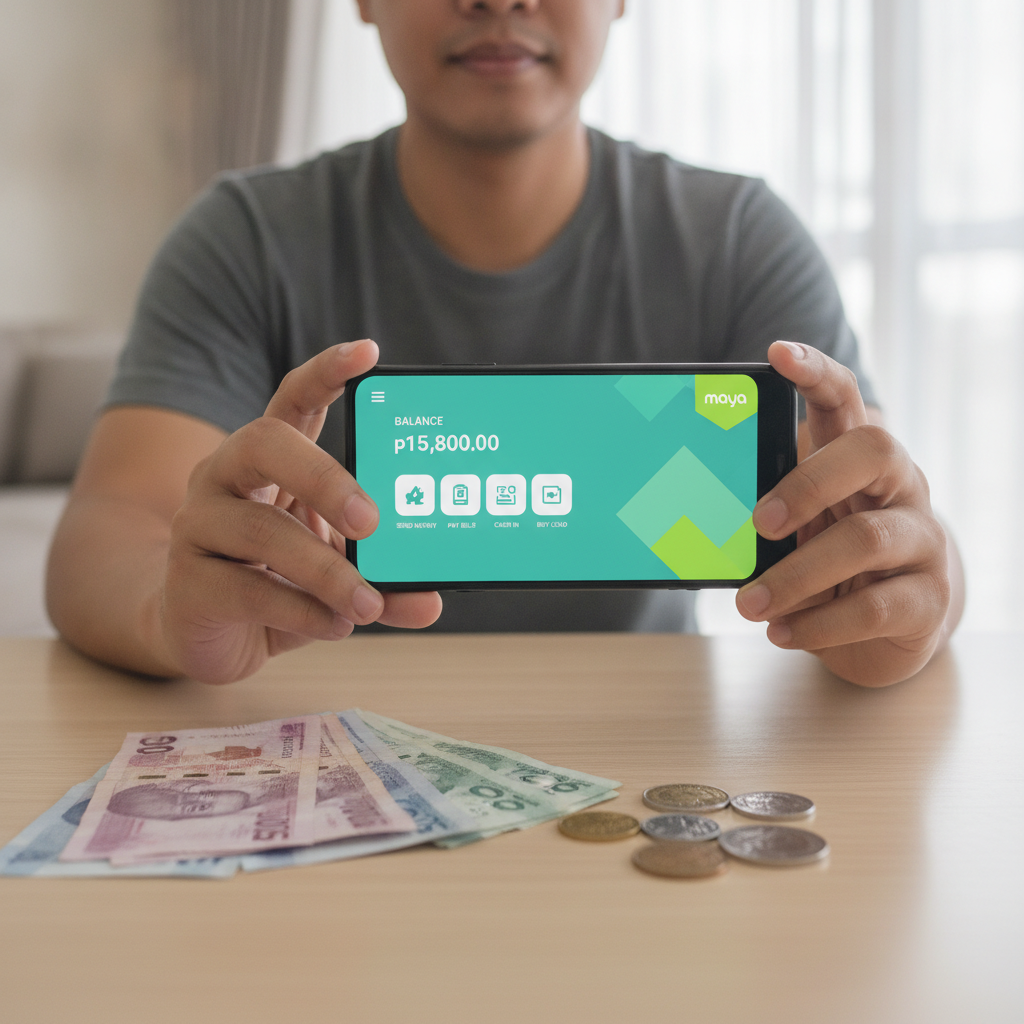
Viper Play Minimum Deposit via Maya
Viper Play accepts deposits through Maya, one of the most popular e-wallets in the Philippines. The minimum deposit amount is typically PHP 100, making it accessible for players who want to start with a smaller budget.
Before you can deposit, you need a verified Maya account with sufficient balance. Maya supports funding through bank transfers, over-the-counter channels, and other methods. Make sure your Maya wallet has at least PHP 100 loaded before you begin the Viper Play deposit process.
If you haven't registered on Viper Play yet, you'll need to complete sign-up and verify your account first. Once your Viper Play account is active, you can proceed to make your first deposit.
Step-by-Step: Selecting Maya as Your Payment Method
1. Log in to your Viper Play account
Open the Viper Play site on your mobile browser or app. Enter your registered username and password, then tap the login button. You'll land on the main lobby showing slots, live dealer games, and sports betting options.
2. Navigate to the Deposit or Cashier section
Look for a "Deposit," "Cashier," or "Wallet" button, usually found at the top right corner of the screen or in the main menu. Tap it to open the deposit page.
3. Choose Maya from the list of payment methods
Viper Play displays several deposit options including GCash, Maya, bank transfer via InstaPay or PESONet, and sometimes other channels. Scroll through the list and tap on Maya to select it as your preferred payment method.
4. Enter your deposit amount
A field will appear asking how much you want to deposit. Enter an amount in Philippine pesos. Remember the minimum is PHP 100. If you enter less, the system will prompt you to increase it. Common first-time deposits range from PHP 100 to PHP 500.
Double-check the amount before moving to the next step. Most platforms don't allow you to cancel a deposit once it's been submitted.
Completing Your First PHP Deposit with Maya
5. Confirm the deposit request
After entering your desired amount, tap the "Confirm," "Submit," or "Proceed" button. Viper Play will prepare a deposit transaction and redirect you to the Maya payment gateway.
6. Authorize the payment in Maya
You'll be taken to the Maya interface, either within your browser or it may launch the Maya app if installed. Log in to Maya using your PIN, biometric authentication, or password.
The screen will display:
- The merchant name (Viper Play or its payment processor)
- The amount you're depositing
- A confirmation button
Review these details carefully. If everything matches your intended deposit, tap "Confirm" or "Pay Now."
7. Wait for the transaction confirmation
Maya will process the payment instantly in most cases. You'll see a success message on the Maya screen showing the transaction reference number and timestamp. Take a screenshot or note down this reference in case you need to contact Viper Play support later.
After confirmation, Maya will redirect you back to Viper Play. This may take a few seconds. Don't close the browser or app during this step, as it can cause tracking issues.
Checking That Your Deposit Appears in Your Viper Play Balance
8. Return to the Viper Play lobby
Once redirected, you should land back on the main Viper Play page or a deposit-success screen. Look at the top of the screen where your account balance is displayed. It should now reflect your new balance, including the PHP amount you just deposited.
9. Refresh if needed
If your balance hasn't updated, wait 30 seconds and refresh the page or pull down to reload on mobile. Most Maya deposits credit instantly, but network delays can occasionally add a minute or two.
10. Check your transaction history
Navigate to your account or transaction history section (sometimes labelled "My Account," "History," or "Transactions"). Look for the deposit record showing:
- Deposit method: Maya
- Amount in PHP
- Date and time
- Status: Completed or Success
If the deposit still doesn't appear after five minutes, take a screenshot of your Maya transaction confirmation and contact Viper Play customer support through live chat or the help section.
What to Do After Your First Deposit
Once your balance is loaded, you can explore the different games and betting options on Viper Play:
- Slots and jackpot games: Minimum bets often start at PHP 1 per spin, letting you try many games with a PHP 100 deposit.
- Live dealer tables: Baccarat, blackjack, and roulette tables usually have minimum bets ranging from PHP 10 to PHP 100, depending on the table.
- Sports betting: Bets on PBA, NBA, and volleyball typically accept wagers as low as PHP 10 to PHP 20, though this varies by event and market.
- Bingo: Bingo cards are often priced between PHP 5 and PHP 50 each.
Start with lower-stakes games while you get familiar with how Viper Play works. This lets your deposit last longer and gives you time to understand the platform.
Common Maya Deposit Questions
Is there a fee for depositing with Maya?
Viper Play does not usually charge a deposit fee, and Maya typically processes payments to merchants without a sender fee. However, always check the confirmation screen before finalizing a transaction to see if any charges apply.
How long does a Maya deposit take?
Most Maya deposits are instant. Your Viper Play balance should update within seconds to a couple of minutes.
What if my deposit fails?
If a transaction fails, check your Maya wallet to confirm whether the funds were deducted. If yes, but Viper Play didn't credit your account, contact Viper Play support with your Maya transaction reference. If no funds were deducted, try the deposit again, ensuring you have enough balance and a stable internet connection.
Can I deposit more than PHP 500?
Yes. While many first-time players deposit PHP 100 to PHP 500, Viper Play allows larger deposits. The maximum amount depends on Viper Play's own limits and Maya's transaction caps, which can vary by account verification level.
21+ and Deposit Only What You Can Afford
Viper Play is for players aged 21 and over only. Online casino and sports betting are forms of entertainment that carry financial risk. You should only deposit money you can afford to lose.
Set a budget before you play. Decide on a weekly or monthly limit based on your personal finances, and stick to it. If you find yourself depositing more than planned or chasing losses, take a break.
Viper Play and most reputable platforms offer responsible-gambling tools such as deposit limits, time-outs, and self-exclusion options. Check the responsible-gaming section of your account settings if you need help managing your play.
Never borrow money to gamble, and never use funds meant for essential expenses like rent, food, or bills. Keep gambling recreational, and reach out to a support organization if you feel it's becoming a problem.
This guide is for informational purposes. Viper Play Guide PH is an independent site and is not operated by Viper Play. Always verify details directly on the official Viper Play platform.